Hostinger Integration
Connect Hostinger to Domain Collective
Use this guide to connect Hostinger and sync your domains.
Prerequisites
Hostinger API access is available to all customers with an active hosting or domain plan. No approval process is required.
Get API credentials
Step 1: Open your profile
- Sign in to hPanel.
- Click your profile icon in the top-right corner.
Step 2: Go to API access
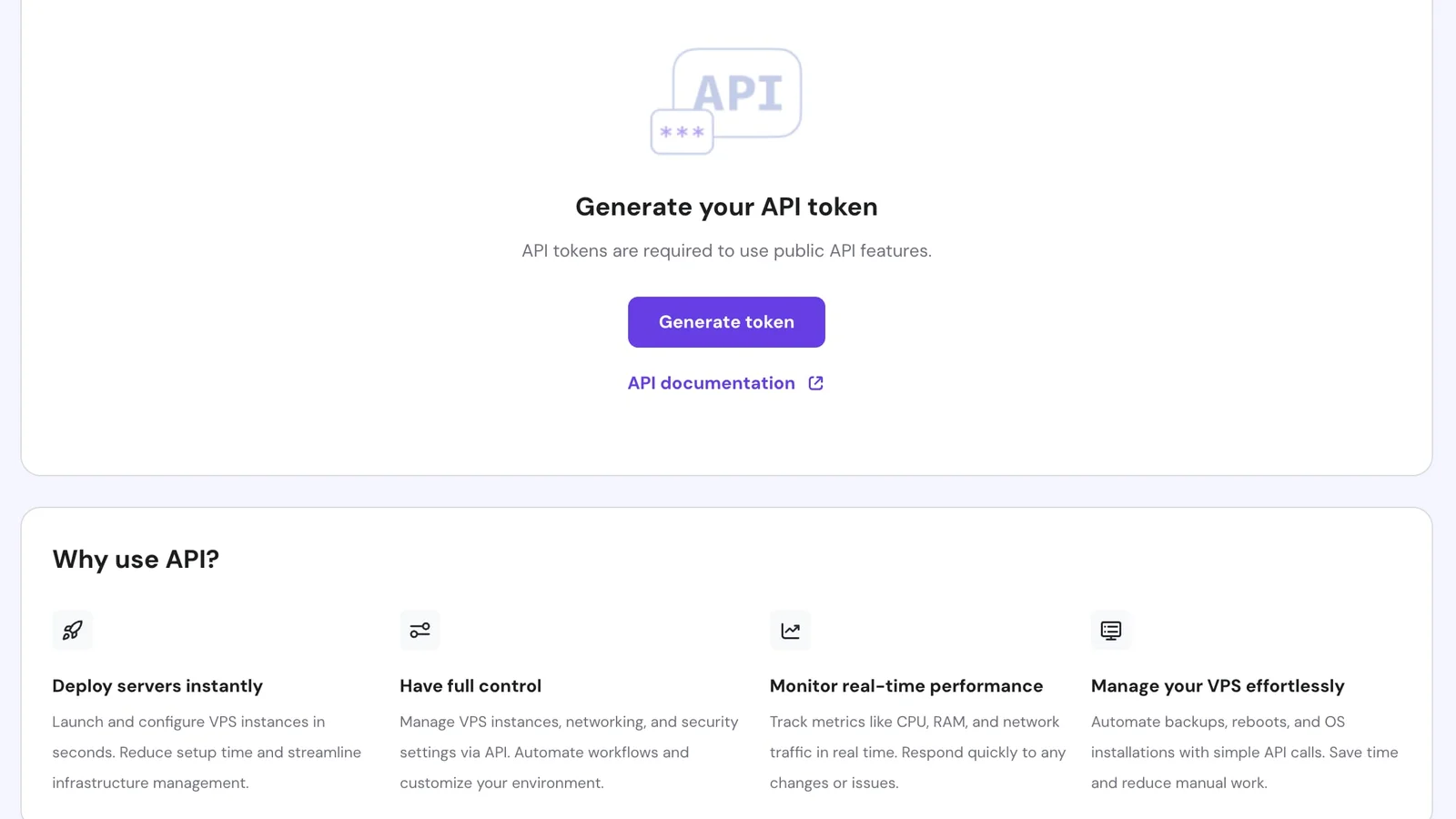
- In Profile settings, find the API Access section.
- Click to open the API token management page.
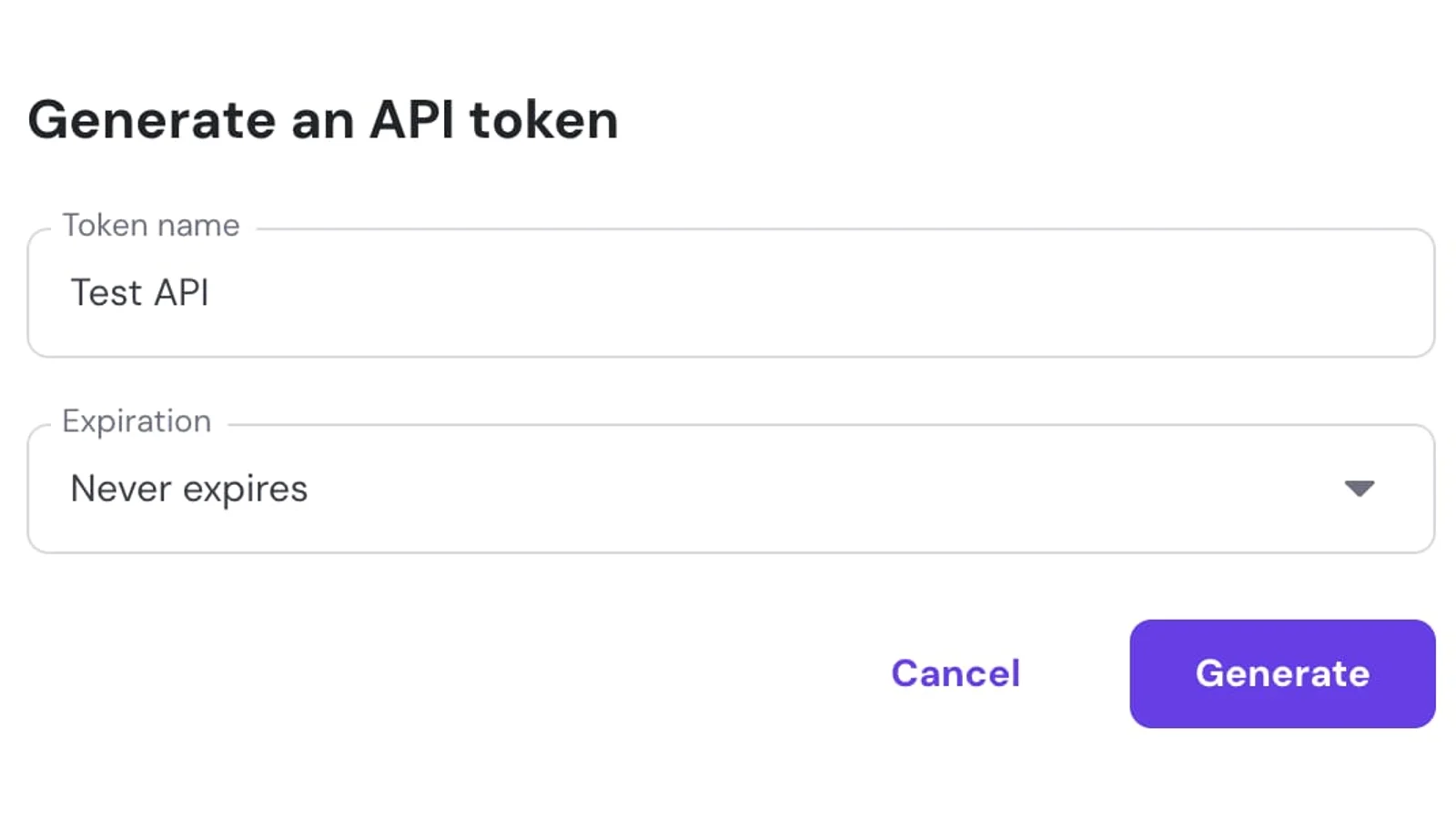
Step 3: Create and copy the token
- Click Create Token.
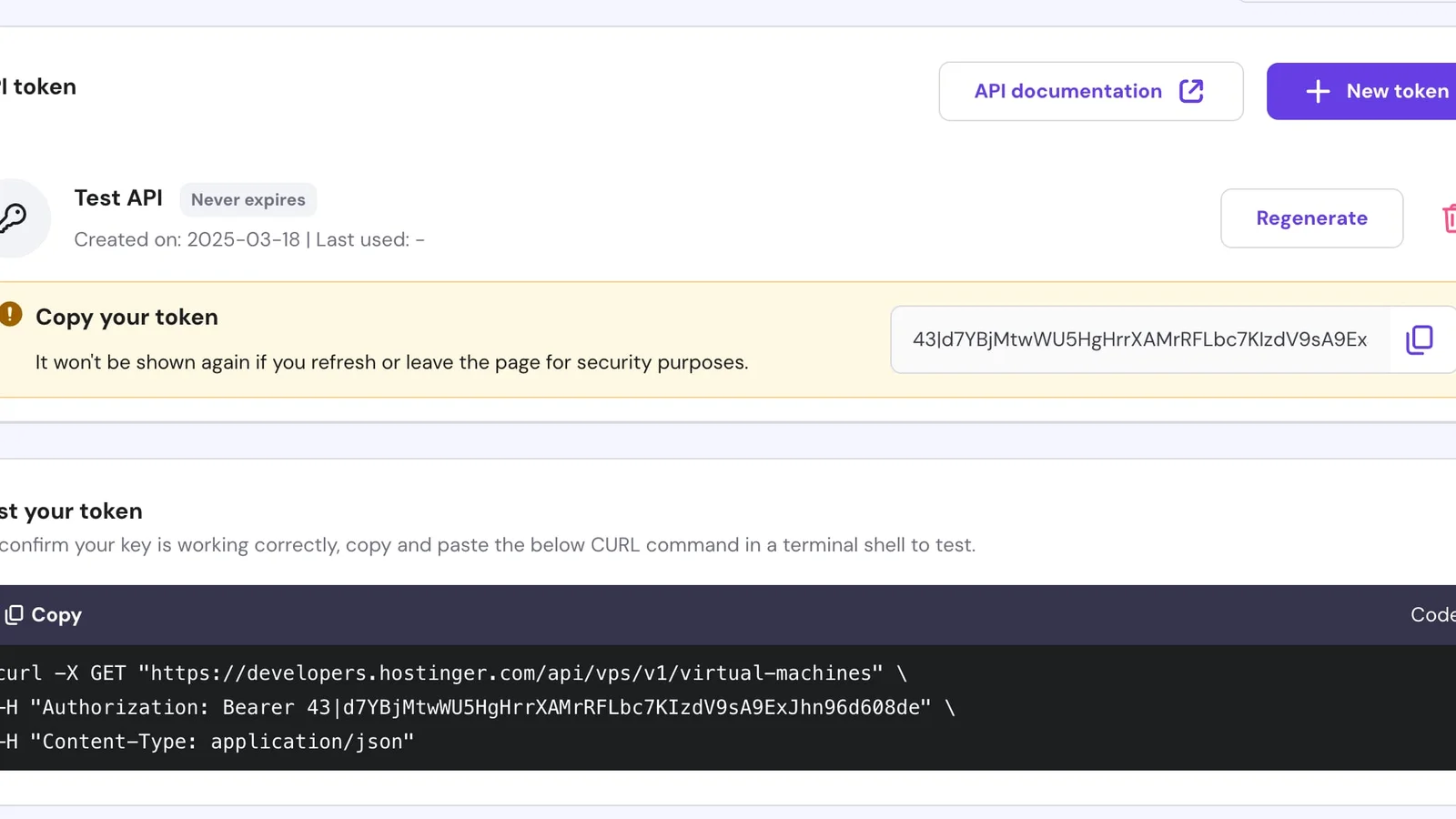
- Copy the token immediately — it is shown only once.
Connect to Domain Collective
Use the API token in the Hostinger integration form:
apiToken— the token you copied in Step 3
Supported features
- Domain sync (portfolio + per-domain enrichment)
- DNS record viewing and editing
- Nameserver management
- WHOIS privacy status
- Domain lock status
- Auto-renew detection (derived from billing)
Troubleshooting
- Invalid token: Ensure you copied the full token without extra spaces or line breaks.
- Missing domains: If domains are on a separate Hostinger account, create a token for that account.
- Auto-renew shows incorrect state: Auto-renew is derived from billing subscriptions and may take up to 24 hours to reflect changes.
Notes
- Auto-renew is derived from Hostinger billing subscriptions and may require heuristic matching.
- DNS writes use Hostinger grouped semantics (
overwrite=falseappend,overwrite=truereplace group). - Domains with unresolved auto-renew mapping default to
falseon first import and preserve existing values on later syncs.
References
Last verified: February 2026